
How to help your listeners get the best live translation experience
The technology side of live translation mostly runs itself — the booth goes live, the captions flow, the voice speaks. What makes the difference between “it worked” and “I felt at home” is a handful of small, human things your team does around it. None of them cost money. Here they are, in the order a guest meets them.
Before anyone arrives: make the door easy to find
- Put the QR code where eyes already go. The screen during the welcome, the bulletin, seat backs if you print them. A guest should never have to ask how to join — the invitation should be sitting in front of them.
- Say it from the stage, every week. One warm sentence — “If English isn’t your heart language, scan the code and hear today’s message in yours” — does more than any sign. Guests give themselves permission to use translation when the person up front gives it first.
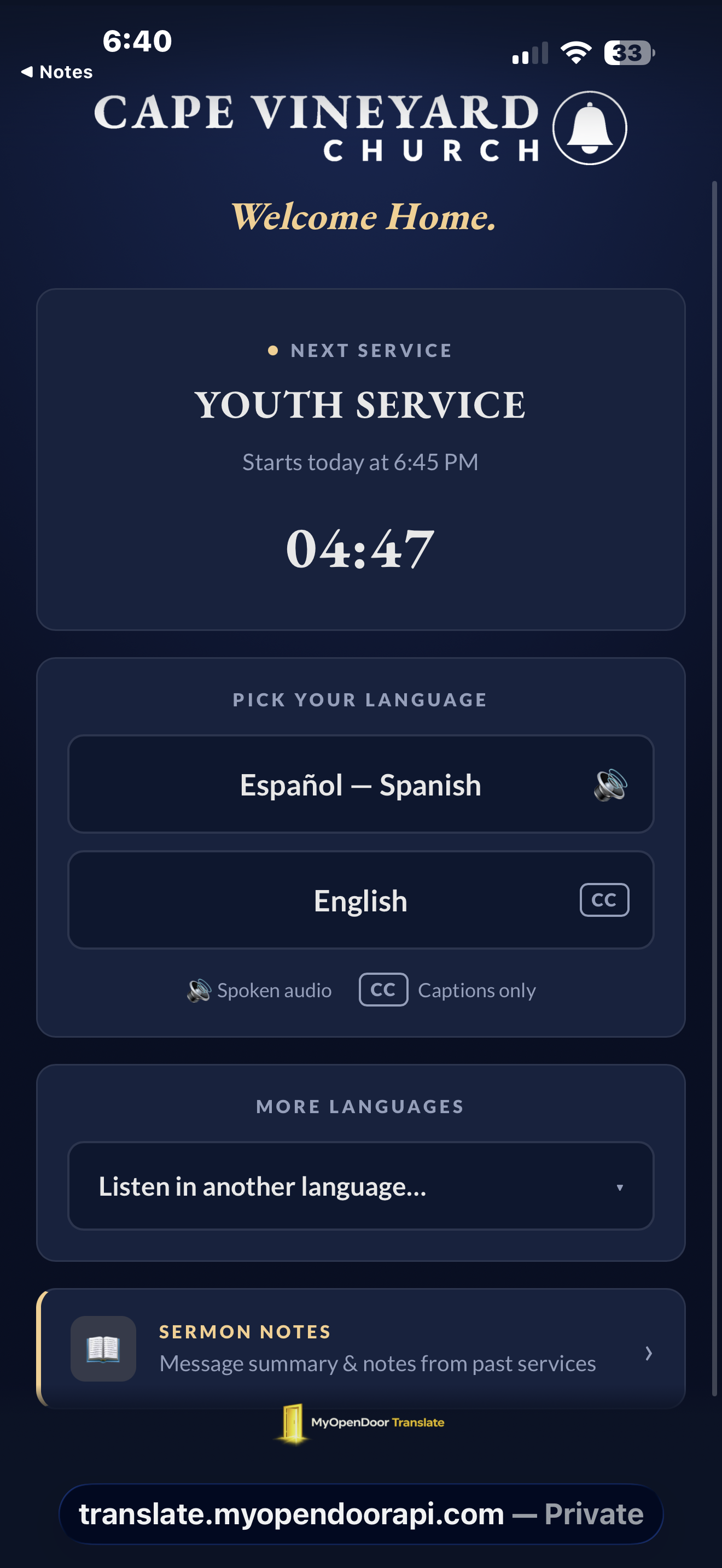
- Get them in during the welcome, not the sermon. Encourage scanning early. The lobby page greets them with your church’s name and a countdown, so joining early feels like arriving, not waiting.
- Make the invitation multilingual. A sign that says “Escuche en español · 한국어로 들으세요” reaches people an English-only sign never will. Write the invitation in the languages you’re inviting.
Earbuds: the one thing worth stocking
Captions need nothing at all. But guests who want to hear the translation need earbuds — and first-time guests won’t know to bring them. A small basket of inexpensive earbuds at the welcome desk, offered freely, turns “I couldn’t listen today” into “they were ready for me.” Two habits worth teaching your greeters:
- Offer, don’t wait to be asked. A guest hesitating over the QR sign is the moment: “Would you like earbuds so you can hear it in your language?”
- One earbud is a feature, not a compromise. Many listeners keep one ear on the translated voice and one ear in the room — the worship, their family, the congregation saying amen. Tell them it’s normal; it’s how a lot of people love to use it.
Help them settle in: three choices, all theirs
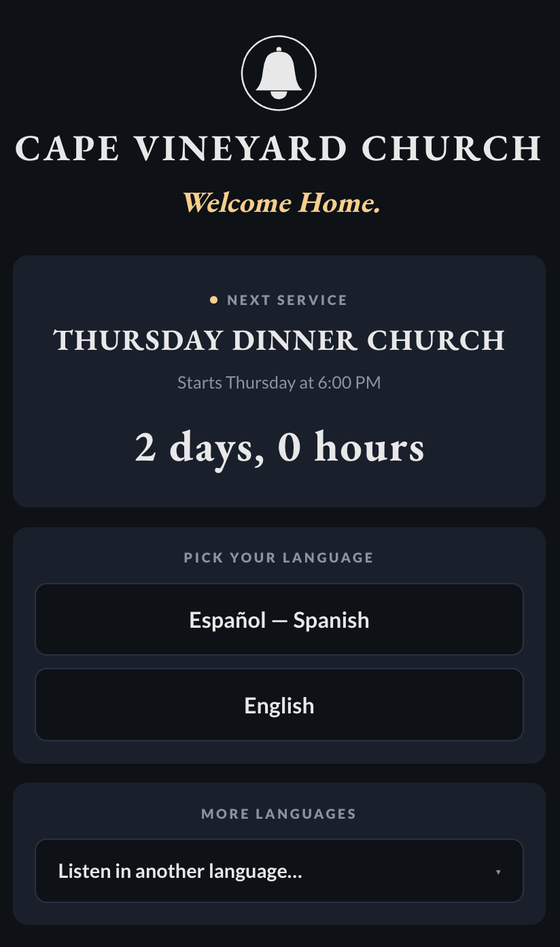
- Language: one tap on the big buttons, or the “Listen in another language…” dropdown for the full list. If a new family’s language isn’t a headline button yet, make it one — that’s a welcome they can feel.
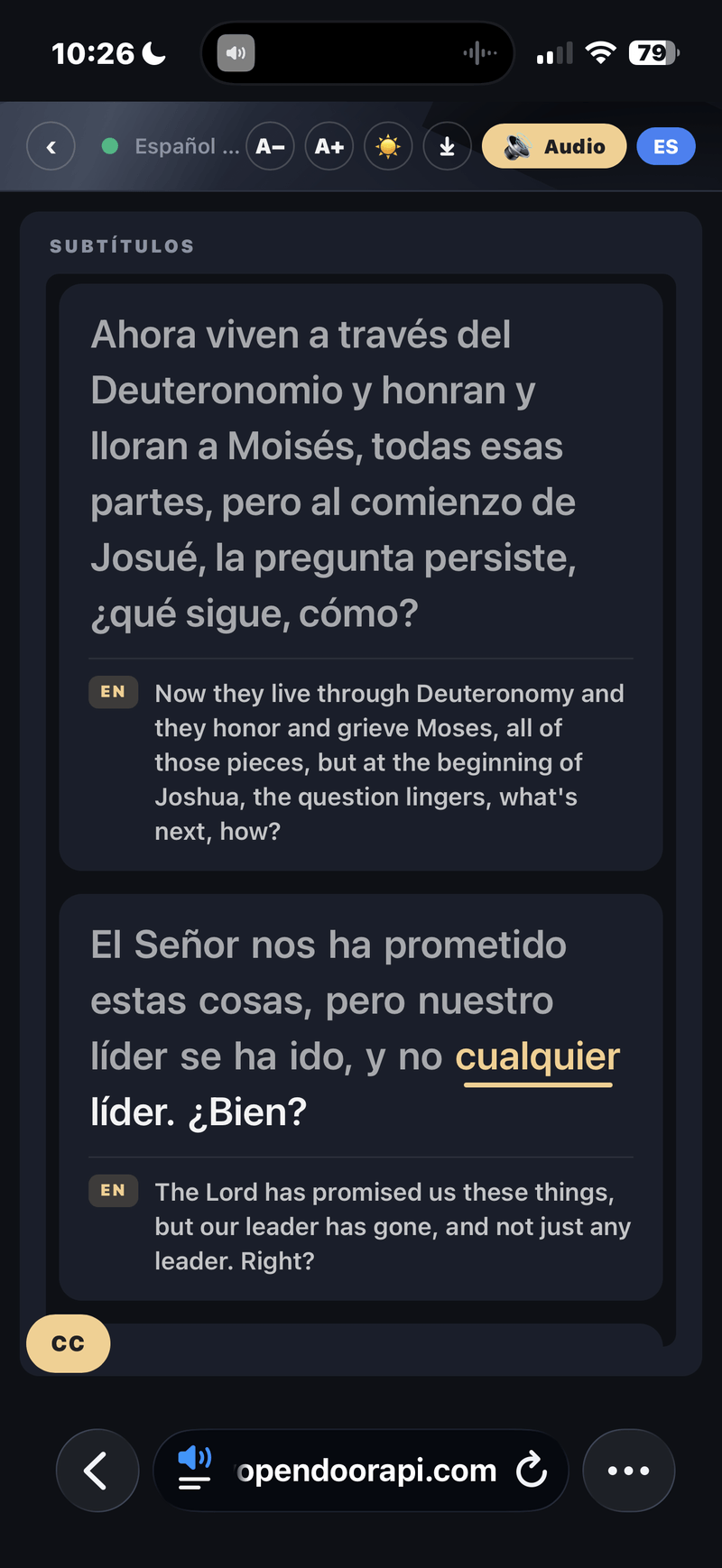
- Captions, voice, or both: readers read; listeners listen through earbuds; many do both, with the word-by-word highlight keeping text and voice on the same word. There’s no wrong answer — say so.
- Text size: the A− / A+ buttons are there for older eyes. One usher who knows to point at them will quietly rescue somebody’s whole morning.
During the service: two tips that prevent most hiccups
- Keep the tab open. Leaving the page ends the session; reopening the link rejoins it instantly. Guests who lock their screen are fine — the audio keeps playing with the phone in a pocket.
- Keep guest Wi-Fi and the booth separate. Guests can use your guest network or their own data — either works. What matters is that the booth’s connection isn’t sharing a crowded guest network, so the broadcast never competes with a lobby full of phones. (More on the booth side in the console guide.)
After the benediction: send the message home with them
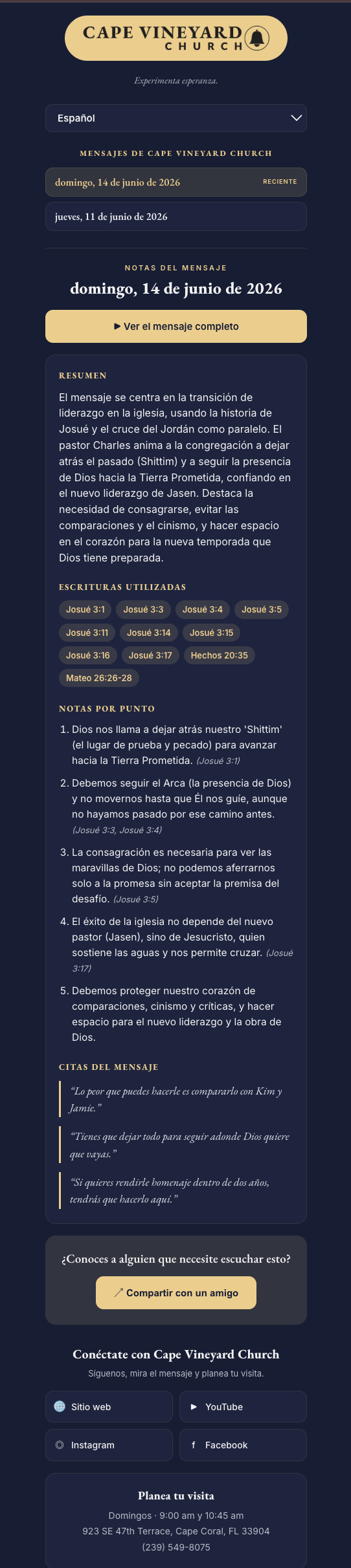
The service ends; the experience shouldn’t. Point guests to the translated sermon notes — a full notes page with the scriptures, a summary, and the memorable lines, in the languages you picked. Put the line in your closing: “Today’s message, in your language, is on your phone — take it with you.” For a guest who has never fully followed a sermon before, that page is the moment the message becomes theirs.
Listen back: the feedback loop
Once a month, ask your translation listeners two questions: What language do you wish we offered more prominently? and Was there a moment you got lost? The booth can see how many people listened in each language, so you already know who to ask. Most churches discover a language community they didn’t know they had — and adding that button costs nothing.
Related: the same welcome habits carry straight over to schools and universities.
Frequently asked questions
Should listeners use captions or the spoken voice?
Whichever helps them worship — and they don’t have to choose. Captions suit readers and quiet moments; the natural spoken voice, heard through earbuds, lets a guest keep their eyes on the preacher. Many do both: listen while the captions scroll, with a word-by-word highlight keeping text and voice together.
Do listeners need earbuds for translated audio?
Only if they want to hear the translation rather than read it. Any earbuds a guest already owns work — the audio plays from their own phone. A simple welcome-desk supply of inexpensive earbuds covers first-time guests who came without them.
What if a guest’s language isn’t one of the big buttons?
The lobby lists your most common languages as one-tap buttons, and a “Listen in another language…” dropdown holds the full list — so every guest can find theirs. If you learn a new language community is joining you, add its button so their welcome is one tap, not a search.
Will the translation drain a guest’s battery or data?
It’s a browser page streaming text and audio — closer to a phone call than a video. The audio even keeps playing with the screen locked, so guests can pocket the phone and listen, which also saves battery.
How do guests keep the sermon after the service?
Point them to the sermon notes: after every service a fully translated notes page — scriptures, summaries, memorable quotes — is ready in the languages you picked. For many guests it’s the first time they’ve left church holding the whole message in their own language.
Related reading: what guests see on the listener page, using the broadcast console, how to translate a church service in real time, and our roundup of the best church translation apps.